

A prospect fills out your contact form expressing interest in a new WordPress site. You respond enthusiastically, schedule a call, discuss their needs, then… nothing. The conversation dies. Or you start the project, but constant miscommunication about scope, endless revision requests, and unclear deliverables turn a profitable project into a nightmare.
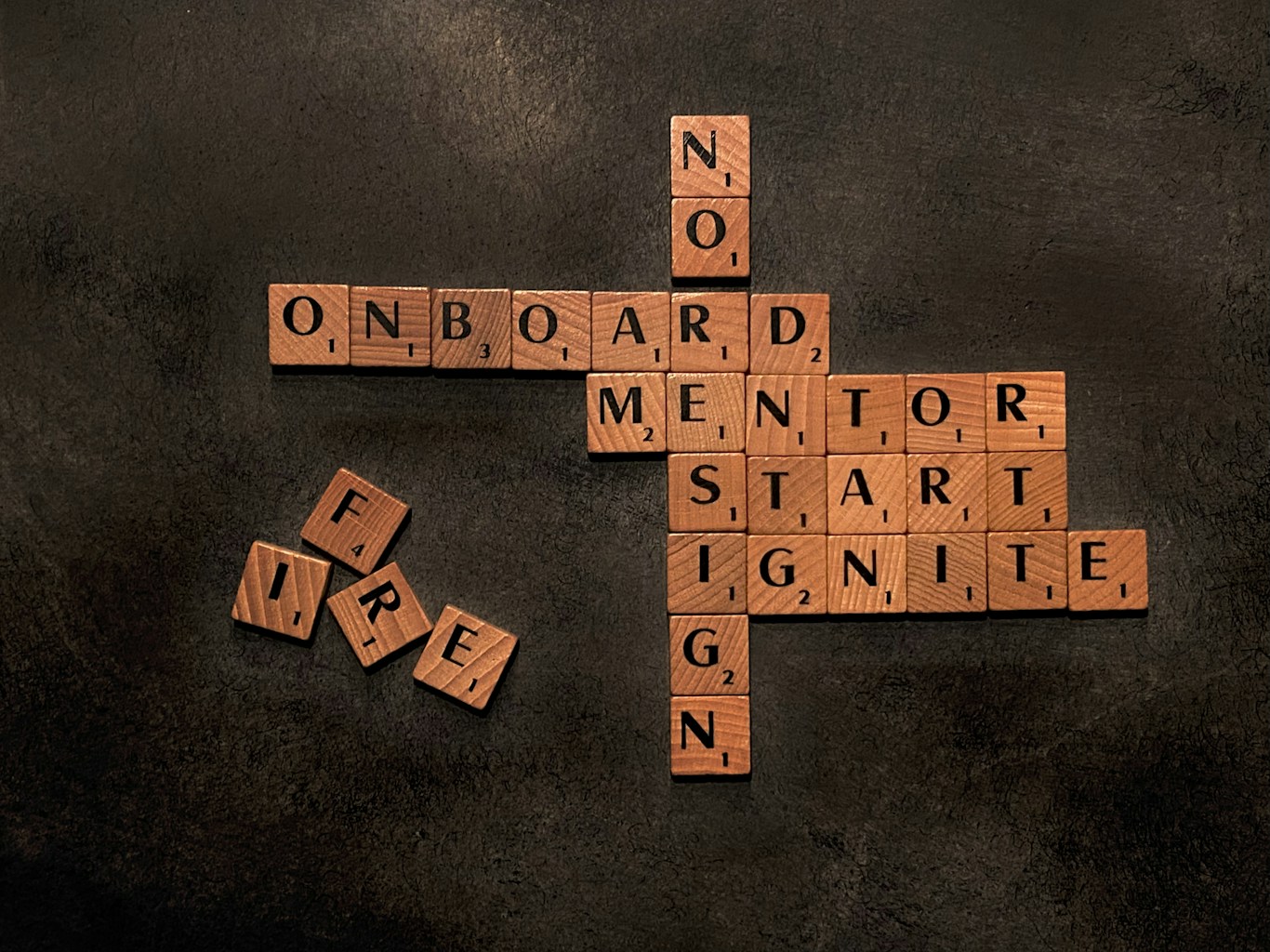
Professional client onboarding process prevents these problems by establishing clear expectations, gathering essential information systematically, and creating structure that guides clients from first contact through successful launch. According to Wrike’s project management research, projects with formal onboarding processes are 70% more likely to finish on time and within budget.
This comprehensive workflow guide reveals proven strategies for managing WordPress client relationships including discovery questionnaires capturing requirements completely, proposal templates that close deals professionally, project management tools coordinating work efficiently, communication strategies preventing misunderstandings, and handoff procedures ensuring smooth transitions. Implement these systems and you’ll turn chaotic client interactions into predictable, profitable projects.
Discovery Phase: Understanding Client Needs
The discovery phase determines project success. Thorough discovery prevents scope creep, missed requirements, and client dissatisfaction from mismatched expectations.
Initial Contact Response Protocol
Respond to inquiries within 24 hours, ideally within 4 hours during business days. Speed demonstrates professionalism and captures interest before prospects contact competitors.
Email template structure: thank them for contacting you, acknowledge their specific need (show you read their message), briefly establish credibility (1-2 relevant portfolio examples), propose next step (discovery call, questionnaire), make scheduling easy (calendar link).
According to HubSpot’s sales response research, companies responding within 5 minutes are 100x more likely to connect than those waiting 30 minutes.
Discovery Questionnaire Design
Send comprehensive questionnaires before calls to maximize meeting efficiency. Essential questions for client onboarding process: business background (industry, size, target audience, history), website goals (primary objectives, success metrics, must-have features), content readiness (who provides copy, images available, timeline), budget and timeline (realistic expectations, flexibility, urgency), technical requirements (hosting, domains, integrations needed).
Use tools like Typeform, Google Forms, or Airtable for professional questionnaires. Save responses automatically in your CRM or project management system.
Well-designed questionnaires reduce discovery calls from 60 minutes to 30 minutes by addressing basic questions in advance.
Discovery Call Best Practices
Schedule 30-45 minute video calls (Zoom, Google Meet) for face-to-face connection. Screen share to review questionnaire responses and examples.
Call structure: build rapport (5 minutes: learn about their business authentically), review questionnaire (10 minutes: clarify responses, probe deeper), present relevant examples (10 minutes: show similar projects), discuss process and timeline (5 minutes: explain your workflow), address questions (5 minutes: answer concerns), define next steps (5 minutes: proposal timeline, materials needed).
Record calls (with permission) so you can reference details later without constant note-taking during conversation.
Identifying Red Flags
Not all prospects become good clients. Watch for warning signs during discovery: unrealistic timelines (need complex site in one week), unrealistic budgets (want custom development at template prices), vague requirements (can’t articulate what they need), demanding before hire (controlling, micromanaging tendencies), payment resistance (questioning every cost, seeking discounts immediately).
Trust your instincts. Problem clients rarely improve after signing contracts. Better to decline projects than endure nightmare relationships.
Proposal Development and Presentation
Comprehensive proposals bridge discovery conversations to signed contracts. Professional proposals communicate value, establish scope clearly, and facilitate decision-making.
Proposal Template Structure
Create reusable templates customized for each client. Essential sections for client onboarding process proposals: executive summary (project understanding, your solution), client background (demonstrates you listened during discovery), scope of work (detailed deliverables, explicit inclusions/exclusions), timeline and milestones (phases with dates), investment (pricing broken down by deliverable), terms and conditions (payment schedule, revision policy, cancellation terms), next steps (how to proceed, what happens after signing).
Use proposal software like Proposify, PandaDoc, or Better Proposals for professional presentation, e-signatures, and tracking (you’ll know when they open and review your proposal).
Scope Definition Best Practices
Explicitly state what’s included and what’s excluded. Vague scope invites scope creep destroying profitability.
Example included items: “5 custom page designs, 2 rounds of revisions per page, basic SEO setup (Yoast configuration), 30 days post-launch support.”
Example excluded items: “Content writing (client provides all text), ongoing SEO/marketing services, third-party plugin licenses, training beyond initial handoff session.”
This clarity prevents “I thought that was included” conversations that erode margins.
Pricing Presentation Strategy
Present pricing confidently without apologizing. Structure shows value: itemize deliverables with individual values when beneficial, offer package options (good/better/best), highlight total value delivered versus investment required, make payment terms clear (deposit, milestones, final payment).
Include optional add-ons clients can select: additional pages, content writing, advanced features, extended support, training sessions. This increases average project value through modular upselling.
Following Up on Proposals
Send proposals via email with clear instructions: “Please review the attached proposal. I’m available to discuss any questions. To proceed, simply e-sign via the link and submit your 50% deposit.”
Follow up sequence: Day 3: “Have you had a chance to review the proposal?”, Day 7: “Happy to address any questions or concerns.”, Day 10: “Should I close this file or is there still interest?”.
According to Proposify’s proposal metrics, 80% of accepted proposals are signed within 7 days. Beyond 14 days, acceptance rate drops below 10%.
Project Kickoff and Onboarding
After contract signing, formal kickoff establishes workflow, introduces tools, and sets expectations preventing future confusion in your client onboarding process.
Welcome Package Creation
Send comprehensive welcome packages within 24 hours of contract signing: personalized welcome message (excitement about working together), project overview (timeline recap, key dates), tool access (project management logins, communication channels), content submission guidelines (formats, deadlines), questionnaire if additional details needed, point of contact (who they communicate with, response time expectations).
This package answers common questions proactively, reducing early-project confusion.
Kickoff Meeting Agenda
Schedule 30-minute kickoff video calls after contracts sign. Agenda: introductions (if working with team members they haven’t met), project timeline review (milestones, important dates), communication expectations (response times, meeting cadence), tool walkthrough (project management system, file sharing), content collection process (what you need, when, format), design phase explanation (how many rounds, revision process), address questions and concerns.
Document kickoff discussions in meeting notes shared with client afterward ensuring alignment on all decisions.
Tool and Platform Setup
Grant client access to necessary systems: project management tool (Asana, Monday, ClickUp) for transparency, file sharing (Google Drive, Dropbox) for content exchange, development/staging site (preview progress before launch), communication channel (email, Slack, project tool chat).
Provide brief tutorials or documentation for tools they’re unfamiliar with. Don’t assume technical comfort—make access easy.
Project Management During Development
Systematic project management keeps work on track, clients informed, and eliminates surprise delays or miscommunications during the client onboarding process and beyond.
Phase-Based Workflow Structure
Break projects into clear phases: Phase 1: Content collection and strategy (1-2 weeks), Phase 2: Design and feedback (2-3 weeks), Phase 3: Development and implementation (2-3 weeks), Phase 4: Testing and revisions (1-2 weeks), Phase 5: Launch and handoff (1 week).
Each phase has specific deliverables and approval points before progressing. This prevents simultaneous work on multiple phases causing confusion.
Client Communication Cadence
Establish regular communication preventing “I haven’t heard from you” anxiety: weekly progress updates (every Monday, brief email or project update), bi-weekly check-in calls (for larger projects), immediate communication for blockers (when waiting on client input), milestone completion notifications (when phases finish).
Use project management tools to keep communication centralized. Scattered emails, texts, and verbal conversations lead to lost information and disputes.
Revision and Feedback Management
Implement structured revision processes in your client onboarding process: consolidate feedback (request all revisions together, not piecemeal), use revision rounds (2 rounds included, additional rounds billable), require written feedback (not vague verbal notes), set feedback deadlines (7 business days for design review).
This structure prevents endless revisions destroying project profitability and timelines.
Managing Scope Creep
When clients request additions beyond original scope: acknowledge request positively (“Great idea!”), clarify if it’s within scope (refer to proposal), if outside scope, provide change order (additional cost and timeline impact), get written approval before proceeding.
Never do “small additions” for free repeatedly. Small changes compound into significant unpaid work.
Launch and Handoff Process
Successful launches require systematic testing, training, and documentation ensuring clients can manage their sites confidently.
Pre-Launch Testing Checklist
Complete comprehensive testing before client review: functionality (all forms, buttons, links work), responsive design (test on mobile, tablet, desktop), browser compatibility (Chrome, Firefox, Safari, Edge), page speed (Google PageSpeed Insights), SEO basics (meta descriptions, XML sitemap, Search Console), content accuracy (spelling, grammar, correct information), legal pages (privacy policy, terms, cookie notice if needed).
Use LaunchPad’s built-in testing workflows to ensure consistency across all projects.
Client Training Session
Schedule 45-60 minute training calls (recorded for reference): WordPress dashboard overview, adding/editing pages and posts, media library usage, plugin management (what they can/shouldn’t touch), basic troubleshooting (clearing cache, common issues), ongoing maintenance recommendations.
Provide supplemental written documentation or video tutorials clients can reference after training when they forget procedures.
Launch Day Coordination
Coordinate launch timing with clients: confirm launch date (morning preferred for monitoring), DNS changes if needed (provide clear instructions), monitor for 24 hours (address any immediate issues), announce launch (help client share on social media).
Stay available on launch day addressing any immediate concerns. First impressions matter—successful launches generate referrals and testimonials.
Post-Launch Support Window
Include 30-day post-launch support covering: bug fixes (issues with original work), minor adjustments (small tweaks to launched site), questions (clarification on functionality), emergency support (critical issues only).
After support window, transition to maintenance packages or project-based support pricing.
Documentation and Knowledge Transfer
Proper documentation ensures client success after handoff and protects you from ongoing support expectations beyond contracted scope.
Client Documentation Package
Provide comprehensive guides: WordPress basics (custom guide for their specific site), plugin documentation (what each plugin does, basic settings), maintenance checklist (monthly tasks they should complete), troubleshooting guide (common issues and fixes), support contact info (when to reach out for paid support).
Well-documented clients require less ongoing support and rate satisfaction higher.
Video Tutorial Library
Create screen recordings covering: adding new pages/posts, updating existing content, managing images, form management, SEO basics with Yoast, backup and updates.
Record once, reuse for all clients. Host on unlisted YouTube playlist or Vimeo for easy sharing.
Transition to Maintenance or Closure
After handoff, formalize relationship continuation: offer maintenance packages (monthly ongoing support), project retainers (fixed hours monthly for updates), or formal project closure (clear end, procedures for future needs).
Don’t leave relationships ambiguous. Clients wondering if they can still contact you create awkward situations.
Key Takeaways
- Client onboarding process with discovery questionnaires before calls reduces meetings from 60 to 30 minutes while capturing requirements completely
- Comprehensive proposals with explicit scope (included/excluded items) prevent scope creep that destroys project profitability
- Phase-based workflows with milestone approvals ensure steady progress; never work on multiple phases simultaneously without client sign-off
Professionalize Your Client Onboarding Today
You’ve learned comprehensive client onboarding process strategies covering discovery, proposals, kickoff, project management, launch, and handoff. These systems transform chaotic client relationships into predictable, profitable experiences.
Professional onboarding isn’t overhead—it’s profit protection preventing scope creep, communication disasters, and unhappy clients that generate negative reviews instead of referrals.
Ready to deliver WordPress sites with professional client management? Download LaunchPad from WordPress.org to implement efficient delivery workflows supporting systematic onboarding. For agencies managing multiple client projects simultaneously, explore LaunchPad Pro with time-saving automation that maintains quality throughout the client journey.


